How to generate a presentation with AI
Tchaku’s builder doesn’t paste text onto templates — it plans a deck around your goal, then builds real, editable slides: charts with data, infographic layouts, section structure. Everything it makes is a normal Tchaku element you can restyle, re-animate, or delete.
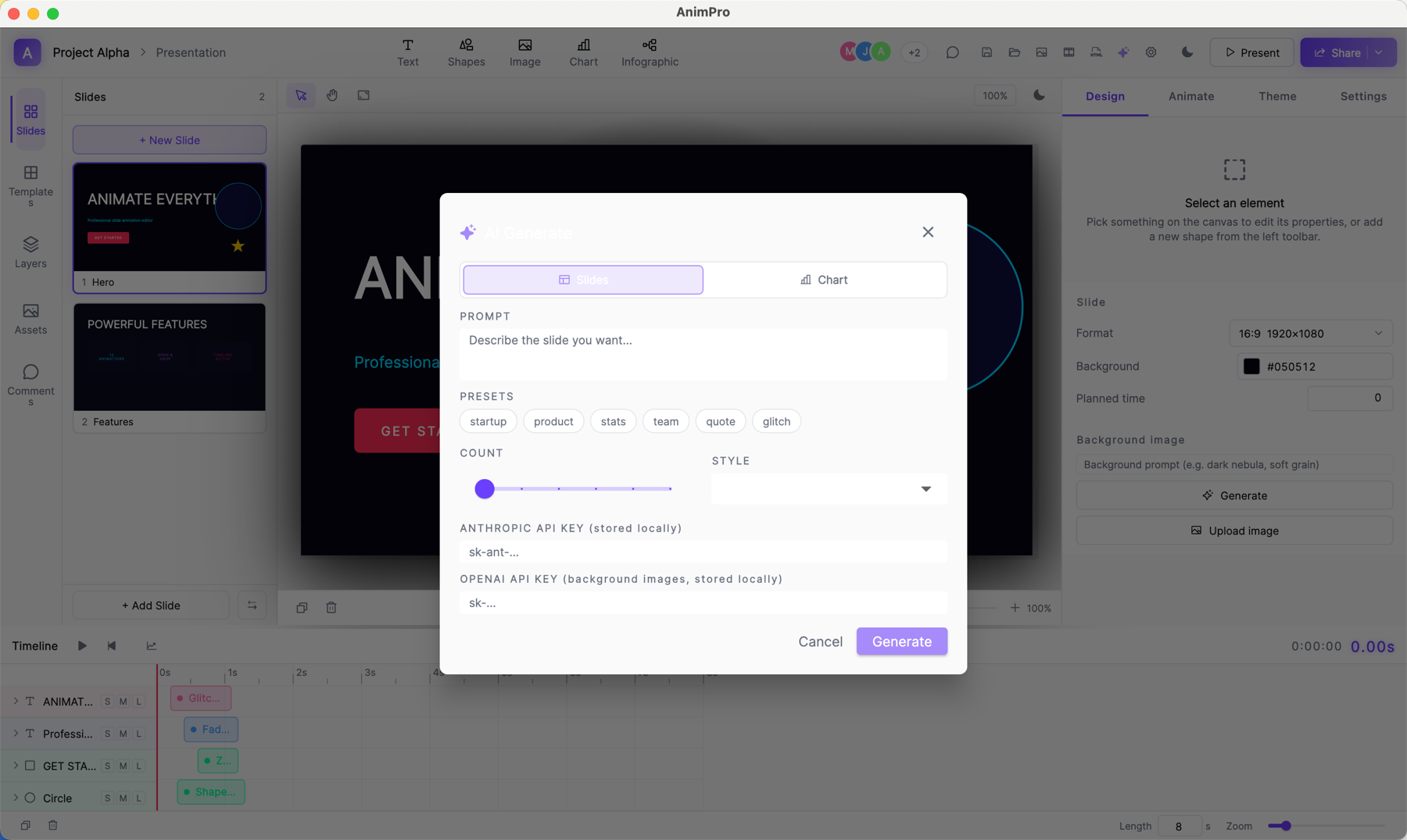
Start with the goal, not the topic
Choose “Create with AI” on the Create screen. The 3-step builder asks what you want the deck to achieve — convince, teach, report, pitch — then the details: audience, tone, length, and anything it must include.
Review the plan before it builds
The builder proposes a slide-by-slide plan first. Edit it — reorder, cut, or reword slides — then build. Generation is chunked, so long decks build progressively and recover cleanly if your connection blips.
Edit like any other deck
The result is a fully editable deck: swap chart types, apply another theme or your brand kit, change animations, or regenerate a single slide. AI illustration can generate imagery per slide if you want visuals.
Know your credits
Every AI generation spends credits: Free includes 30 a month, Pro 400, Studio 1,500. Your balance is always visible on the dashboard, and the builder shows cost before it runs.
Questions
- Can I edit what the AI makes?
- Everything. AI output is made of the same elements you’d add by hand — text, charts, shapes, layouts — so nothing is locked or flattened.
- Which AI models does Tchaku use?
- A routed mix chosen per task — stronger models plan and critique, faster models fill and illustrate — so quality goes where it matters and credits go further.