01 · Motion editor
Design motion, not static slides
A real timeline and keyframe editor with 12 animation effects — animator-grade control, slide-app ease.
↺ replaces the animation add-on
Timeline0.00s · 8.00s
Title
Chart
Sub
0s2s4s6s8s
Answers show up on the slide — not in a separate app.
Animated slides, live quizzes the room plays from their phones, and AI first drafts — all in one deck.
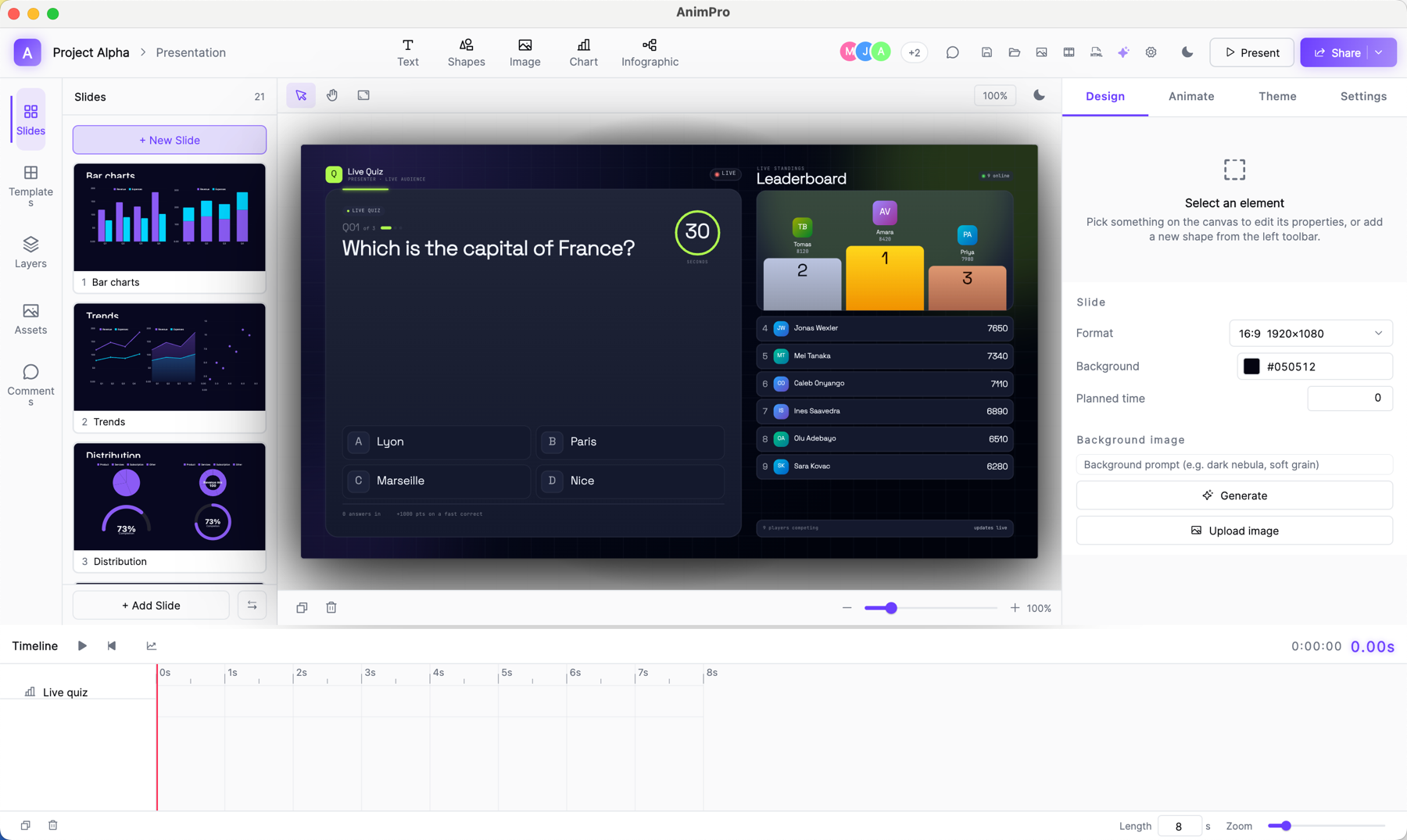
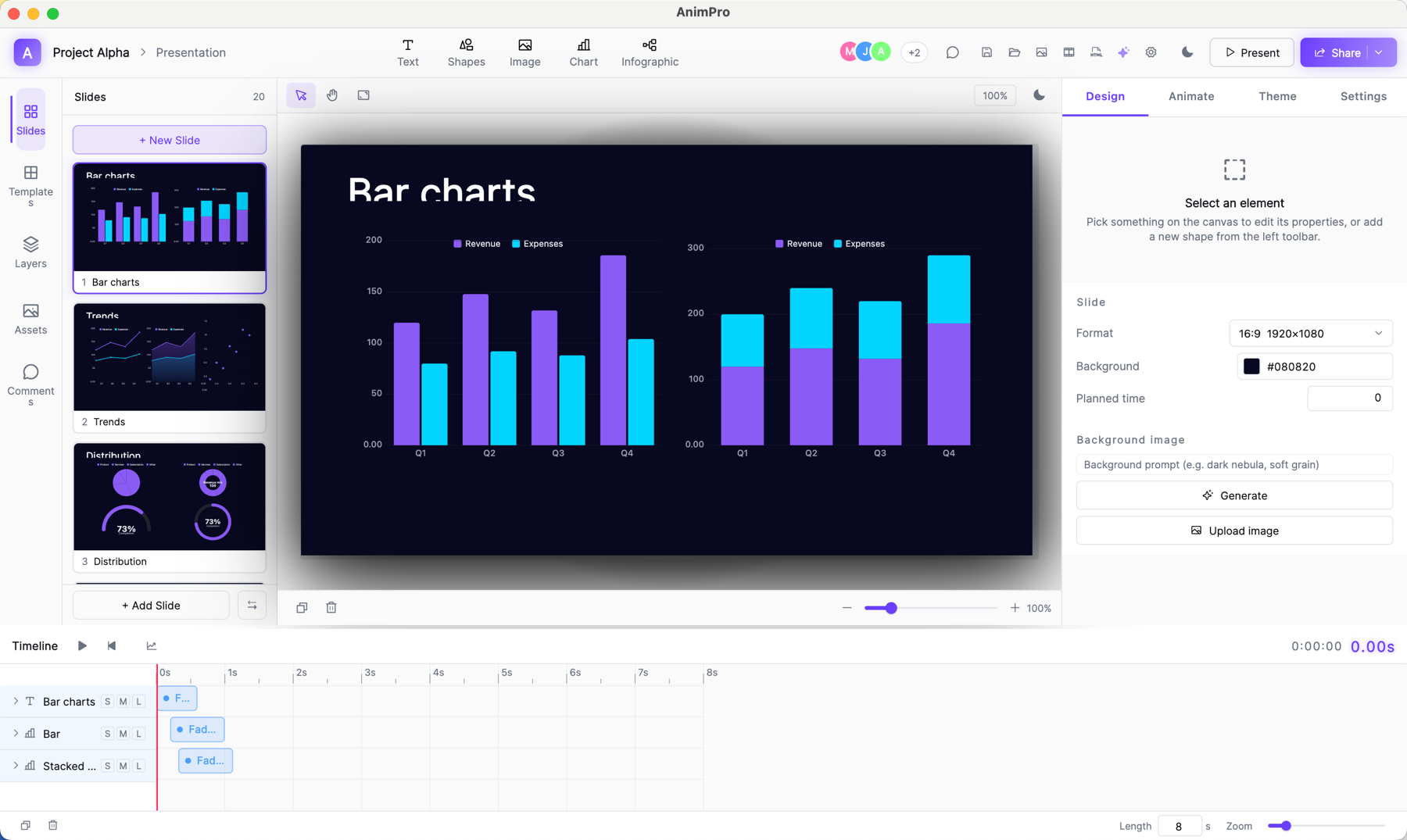
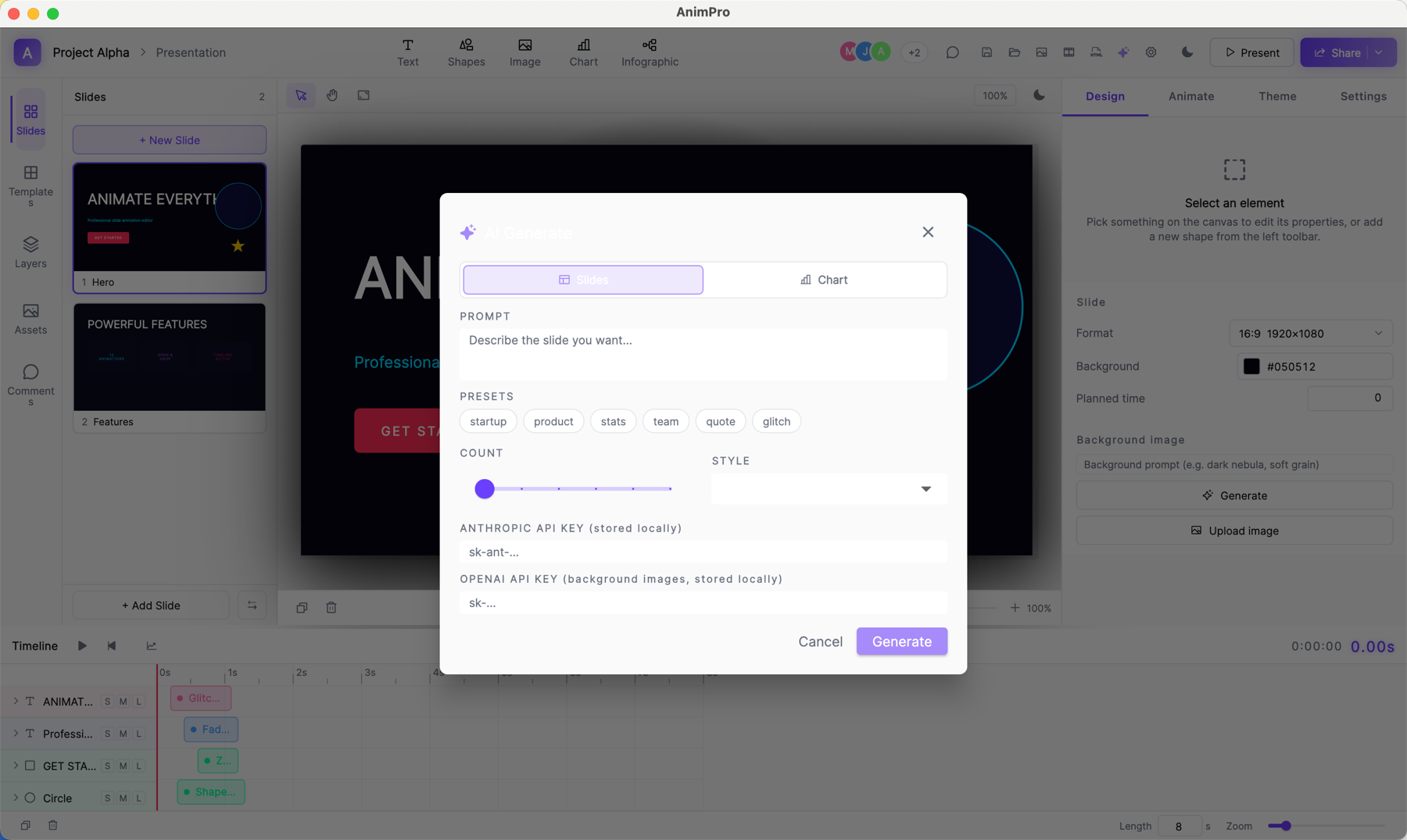
You'd normally need an animation tool for the motion, a polling app for the room, and a chatbot tab for the AI. Tchaku is all three — and the polls are slides, not a separate app.
A real timeline and keyframe editor with 12 animation effects — animator-grade control, slide-app ease.
Polls, quizzes, word clouds — as slide types. The room joins by QR on their phones; results animate in live.
A slide, deck, chart, image, or 3D model — drafted from a prompt, then fully yours to edit.
A live word-cloud slide running in your browser. Words you add here are a local preview — in a real session the whole room submits from their phones and the slide updates for everyone.
Drag, snap, align — then keyframe. The same canvas handles a bar chart, a SWOT, a funnel, an org chart, and a 3D-flip title build, with a timeline below that animators will recognize.
Insert a Live Poll, Quiz, Word Cloud, Leaderboard, Scale, Ranking or Open-ended slide from the picker. The room joins by QR. Answers stream in mid-deck and animate onto the stage. When you advance the slide, the session ends — clean.
Tell Tchaku what you want. Claude drafts layout, copy, colors and animation as actual editable elements — not an image — plus AI images, narration and 3D models. Tweak anything afterwards; it's just a slide.
Pair an iPad and annotate the deck with Apple Pencil while you present from the Mac. The ink saves into the file — and survives export.
A movable camera bubble over your slides, one-click recording, and a share link that shows opens and completion.
| Feature | Tchaku | Mentimeter | Gamma | PowerPoint |
|---|---|---|---|---|
| Free-placement slide editor | Yes | Limited | Yes | |
| Per-element motion timeline + keyframes | Yes | Limited | ||
| Live polls & word clouds as designed slides | Yes | Yes | Limited | |
| Timed quiz with scoring + live leaderboard | Yes | Yes | ||
| Audience joins by QR — no app, no account | Yes | Yes | Limited | |
| AI slide generation | Yes | Yes | Yes | Limited |
| AI + motion + live audience in one editor | Yes | |||
| Local-first — decks are files on your machine | Yes | Yes | ||
| Imports & exports PowerPoint (.pptx) | Yes | Limited | Yes | Yes |
| Recording → share link + viewer analytics | Yes | Limited | Limited |
Every plan includes the full editor, every animation, and live polls, quizzes & word clouds. Plans meter AI credits — roughly one credit ≈ one AI slide.
Everything you need to design and present.
No card. No trial clock.
For people who present every week.
billed monthly · cancel anytime
For heavy AI and weekly presenters.
billed monthly · cancel anytime
If something's still unclear, the README in every deck export answers it too.
The editor is free forever — animation, live polls, quizzes and word clouds, Apple Pencil ink, the presenter camera and talk recording, plus 30 AI credits a month. Paid plans add more AI credits, premium pen tools, viewer analytics on share links, the premium infographic layouts and every export format.
On your machine. Tchaku is local-first: a deck is a .tch file you can open, copy, version-control or move offline. Deck content reaches a server only through actions you take — a share link, a live session, or an AI request.
When you hit Present on a live-audience slide, Tchaku shows a QR + short URL. The room scans, answers in their browser (no install, no account), and their responses animate onto the slide. Advance the slide and the session ends.
AI is metered in credits — every generation (a slide, image, narration or 3D model) draws from your monthly balance. Free includes 30 credits, Pro 400, Studio 1,500. Roughly one credit ≈ one AI slide. No API keys to manage.
Yes — the full editor runs natively on macOS and Windows, and in your browser. Same local-first files everywhere. A native Linux build is still in progress.
Yes — the editor, AI generation aside, has no network requirements. Live audience sessions need a connection (the audience is on their phones), but the deck itself works offline.
Live annotation is powered by the Tchaku Pen companion for iPad + Apple Pencil — pair it over your local network and draw on any slide while you present; strokes appear on the Mac and projector instantly and save into the deck. The Mac editor and everything else works fully on its own; the iPad app is the pen surface.
Yes — import .pptx directly, and export back to PPTX, PDF, PNG or a shareable HTML link. Tchaku fits whatever your team already uses.
Free includes the full editor, all motion, and every live audience type.